The workflow
Seven phases automate a watershed from empty project folder to verified HEC-RAS 2D results and client-ready maps, with room to scale from a single plan to production queues.
App UI
Automation screens in the suite.
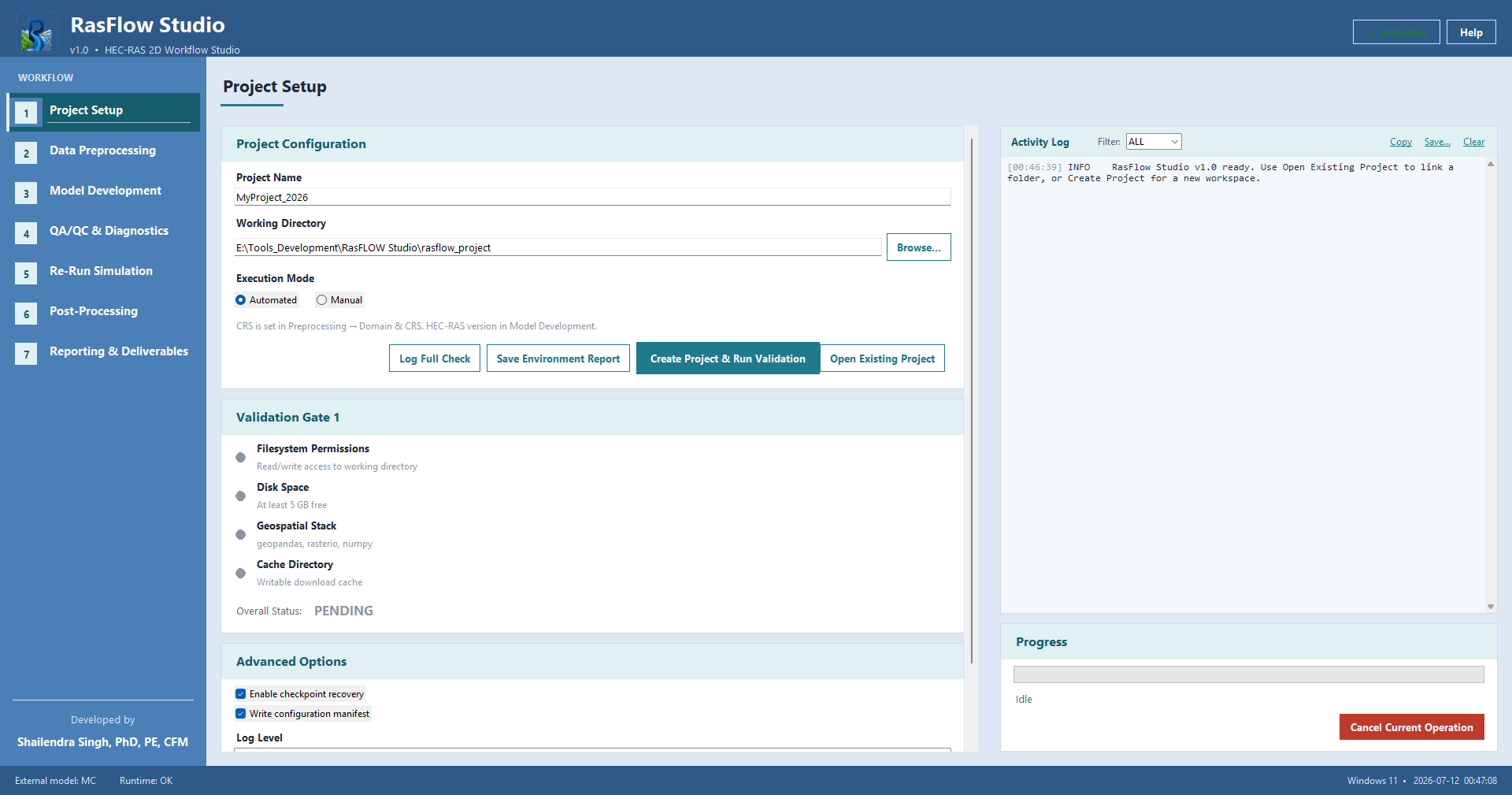
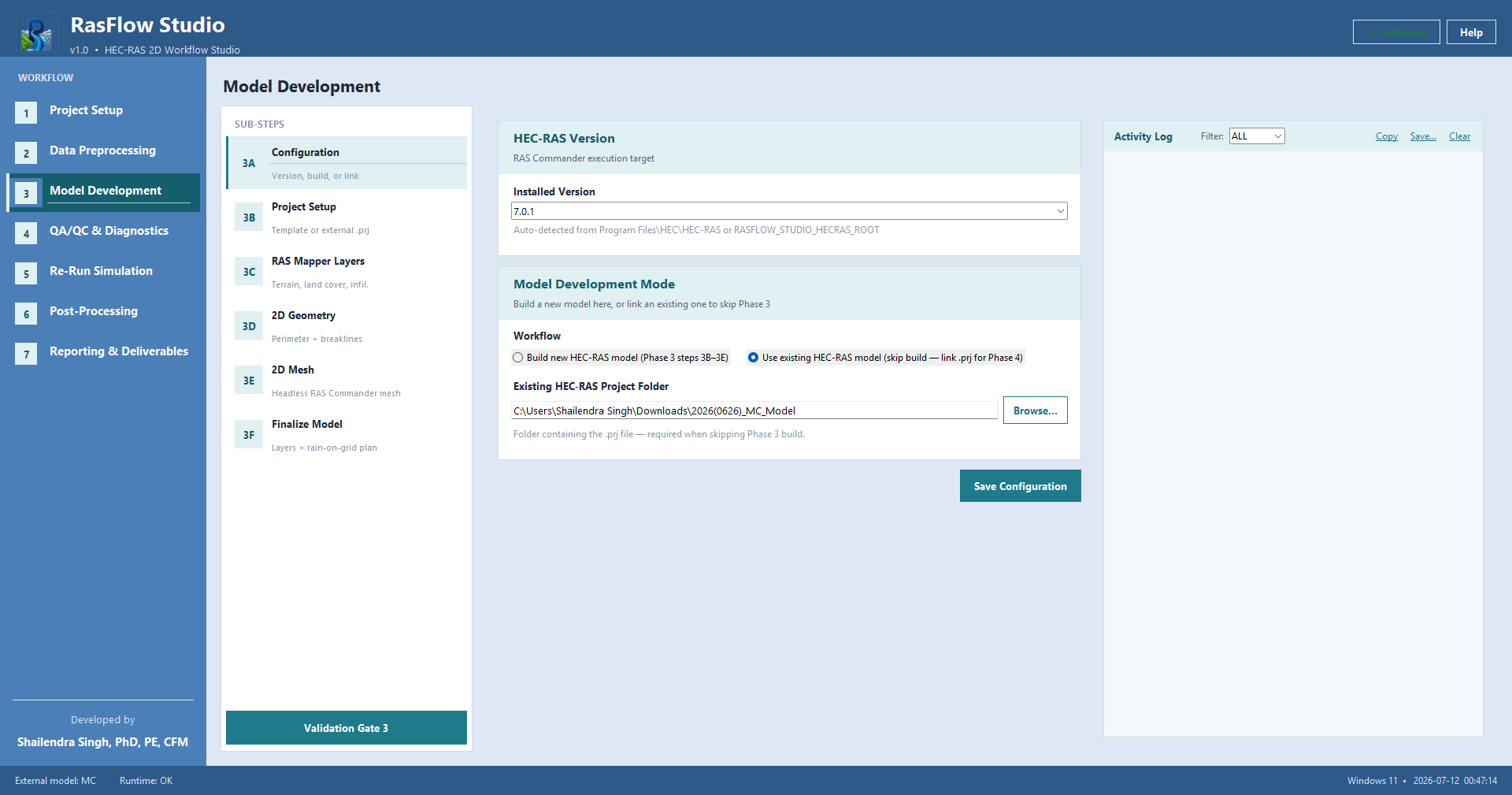
Phase views from the desktop workspace: setup readiness gates, then model build with HEC-RAS project linking.
Project Setup
Model Development
-
Project Setup
Create or open a workspace, choose automated or manual execution, confirm disk and library readiness, and pass Validation Gate 1 before any data moves.
-
Data Preprocessing
Define domain and CRS, acquire terrain, derive land cover and soils, build infiltration and rainfall, and assemble streams, roads, barriers, and boundary conditions.
-
Model Development
Configure HEC-RAS, create or link a project, attach preprocess layers, generate the 2D mesh, and finalize plan associations for rain-on-grid.
-
QA/QC & Diagnostics
Validate the model, run plan and mesh checks, review visuals, apply solver or geometry fixes, and export sensitivity templates when needed.
-
Re-Run Simulation
Queue plans with scalable resource advice, execute and monitor HEC-RAS runs in parallel when enabled, and verify HDF completion before post-processing.
-
Post-Processing
Extract flood surfaces, classify hazard, publish maps, compare scenarios, and optionally analyze asset exposure.
-
Reporting & Deliverables
Compile the technical HTML report, package outputs, and review the final deliverables folder for handoff.
Next step
See how automation connects the phases.
Learn more about the suite, or inquire about demos, licensing, and scaling to larger production workloads.